Images
How to deploy a Docker image
Prerequisites
- A Clowder project
Instructions
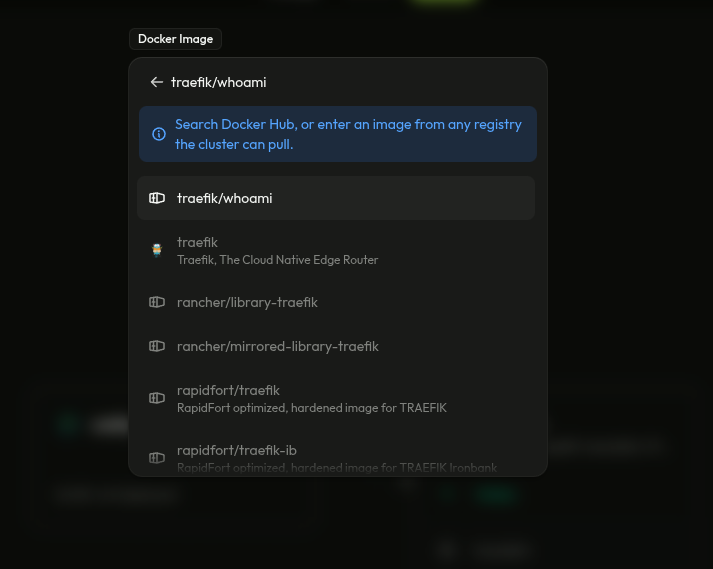
Open the project and click on the Add button in the top right corner. Select Docker image. Search for your image in there. Any registry is supported(Private registries require you to run docker login on the machines)
After staging the resource, edit the variables or whatever you need to do and then click on the Deploy button found at the top of the screen.