Quickstart
Prerequisites
A Linux server with root or passwordless sudo, preferably a domain(clowder.example.com). You can also run this under an IP but its unsecured and support wont be provided
Install
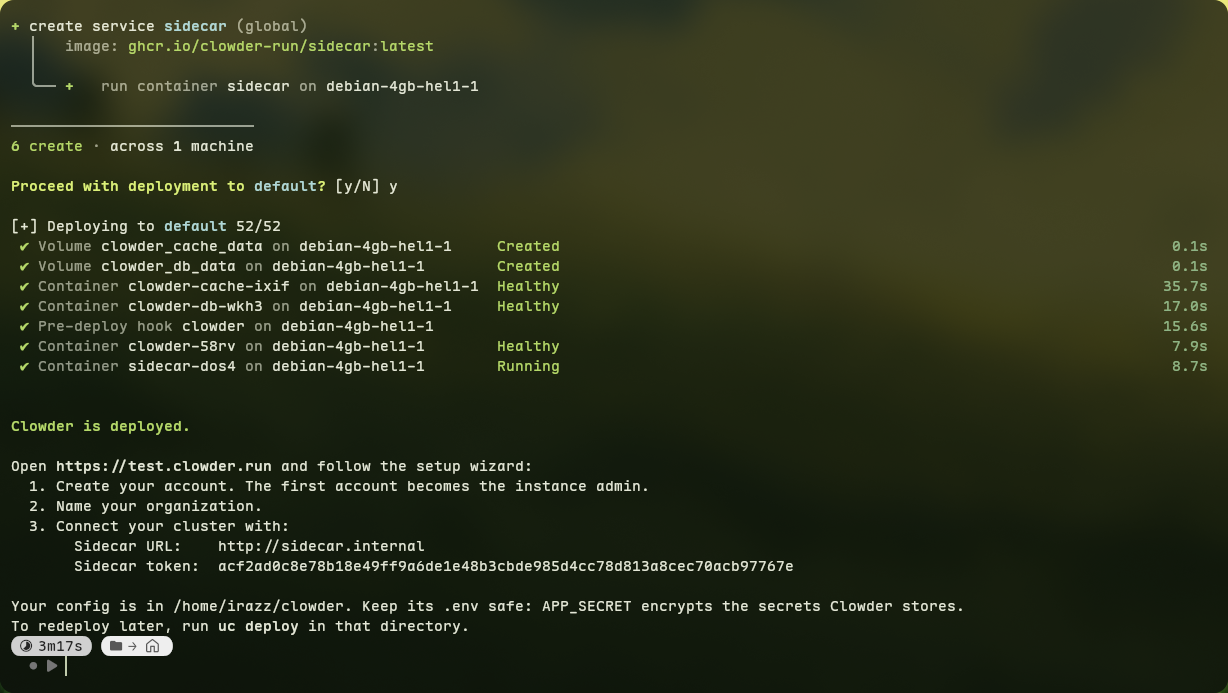
Run it on your own system(or follow the manual installation), it will create a compose.yaml and a .env
curl -fsSL https://raw.githubusercontent.com/clowder-run/Clowder/master/scripts/install.sh | bash After its done you’ll get a Sidecar URL, a token and the generated .env, please keep them safe! The APP_SECRET is used to encrypt your variables, if its lost everything is also lost!!!
Setup Wizard
- Make the first admin account
- Create the first organization
- And connect the cluster with the details you got from the install script, name it whatver you want
- Setup Monitoring by picking the machine GreptimeDB will be deployed to and the retention period(Recommended is 14d)
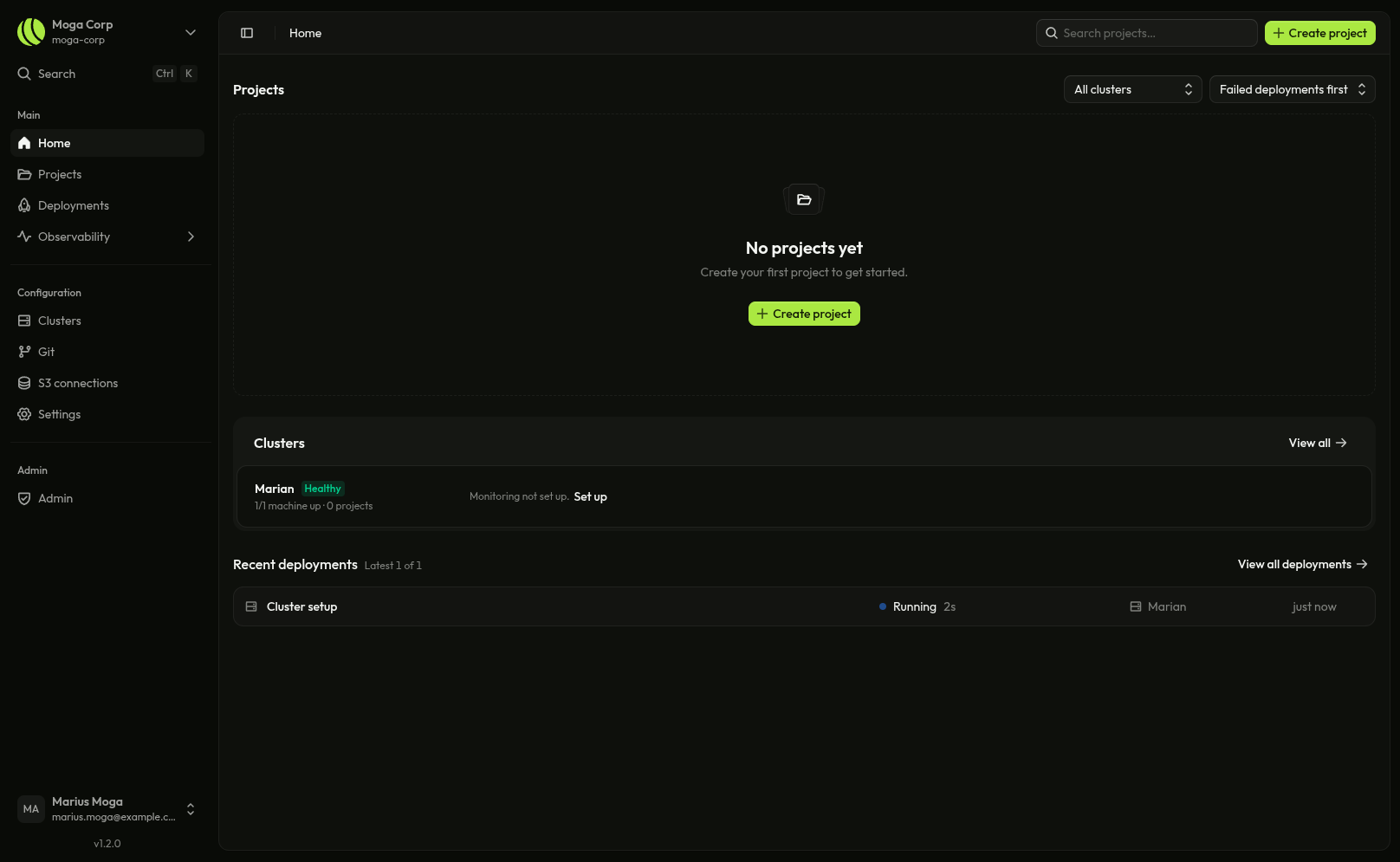
After following all the steps above you’ll end up on the home page
Create your first project
You can do that by clicking the Create project button found in the header on the top right or on the home page’s projects section if you don’t have any.
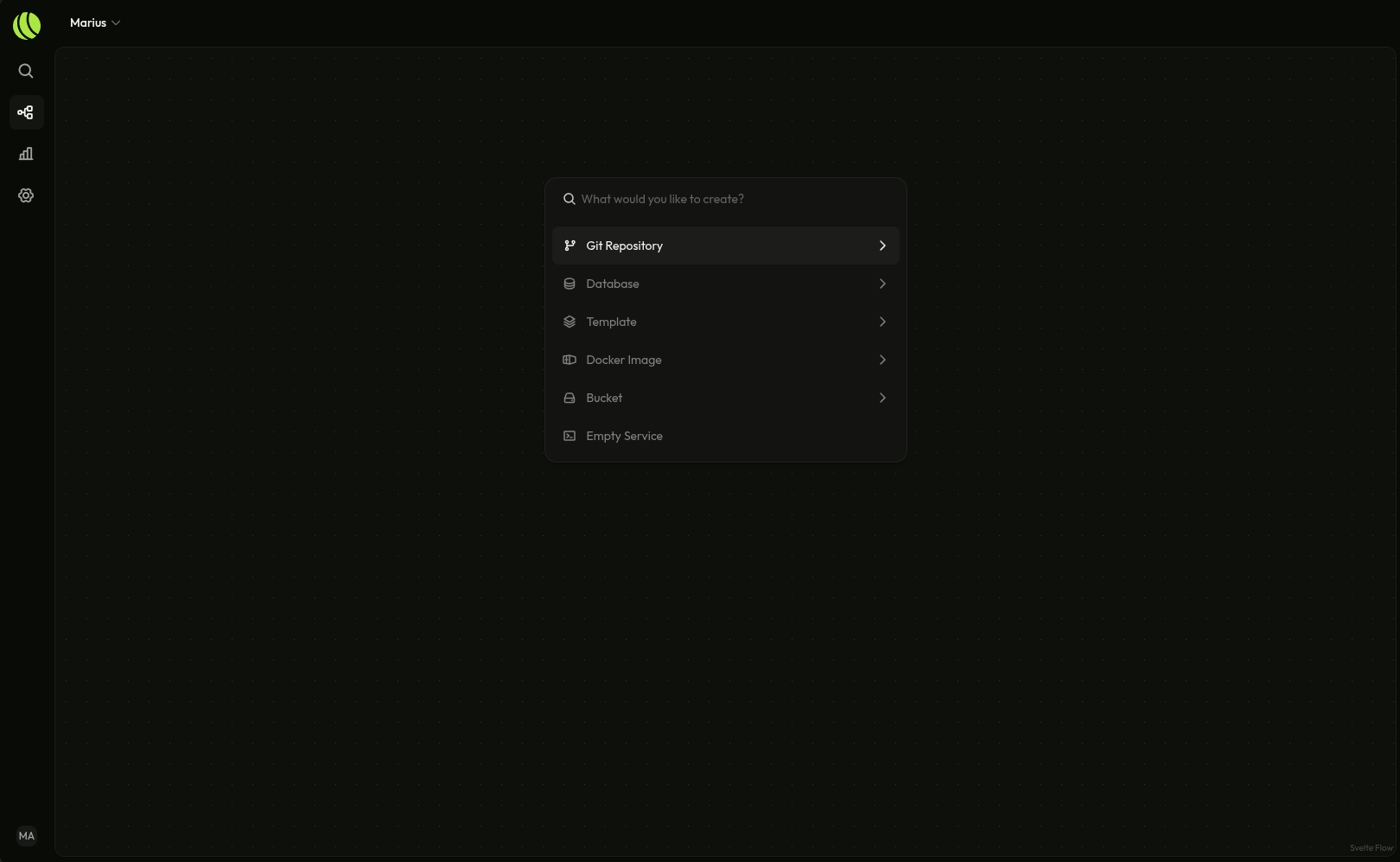
After following all the steps above you’ll end up here, empty projects have the Command opened, but you can also open it with CTRL/Command + K.
Deploy a template
Let’s deploy Basedbin which is a minimal pastebin writte in Rust.
Currently the app is staged but not deployed.
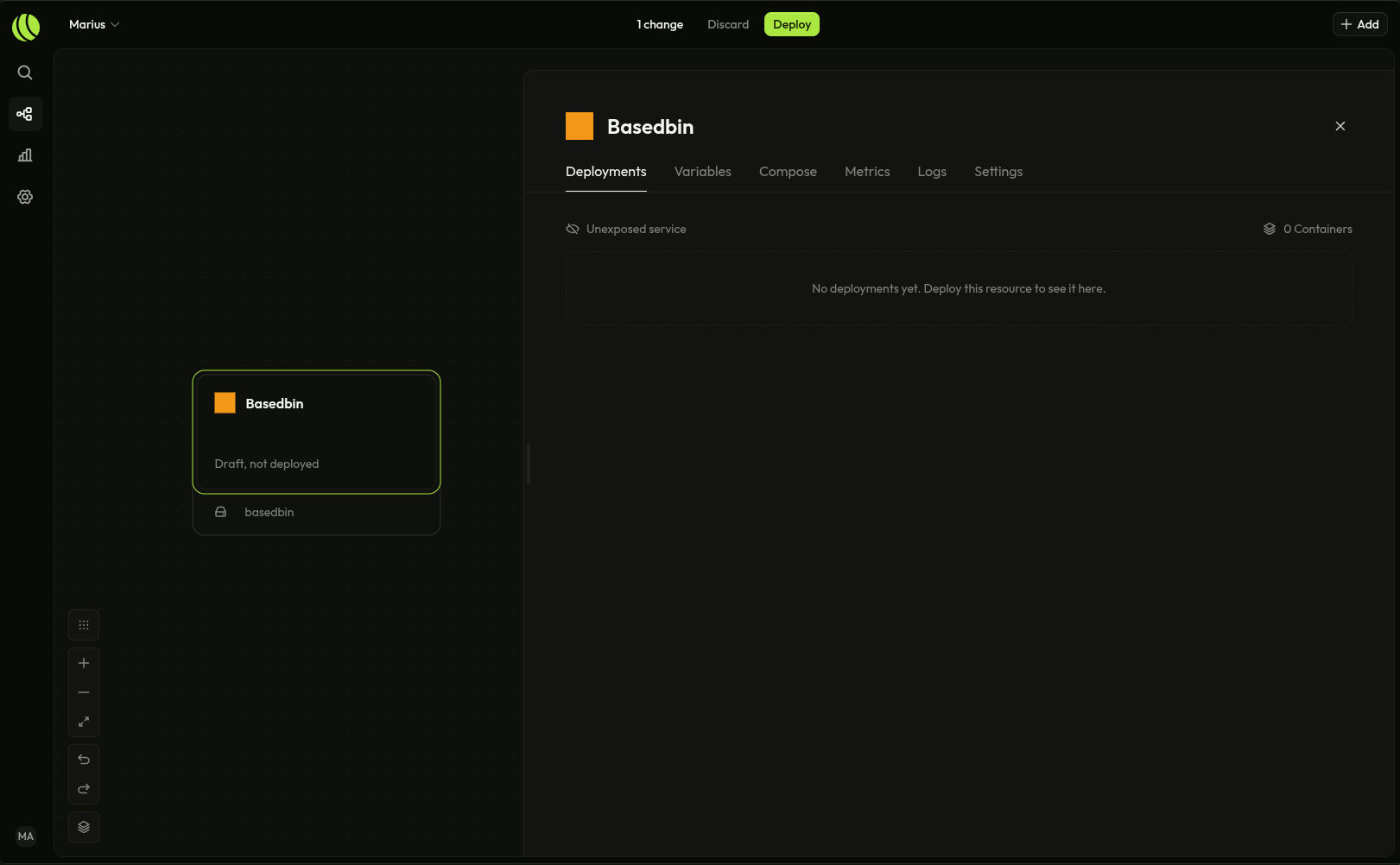
You can deploy it by clicking the Deploy button at the top of the screen.
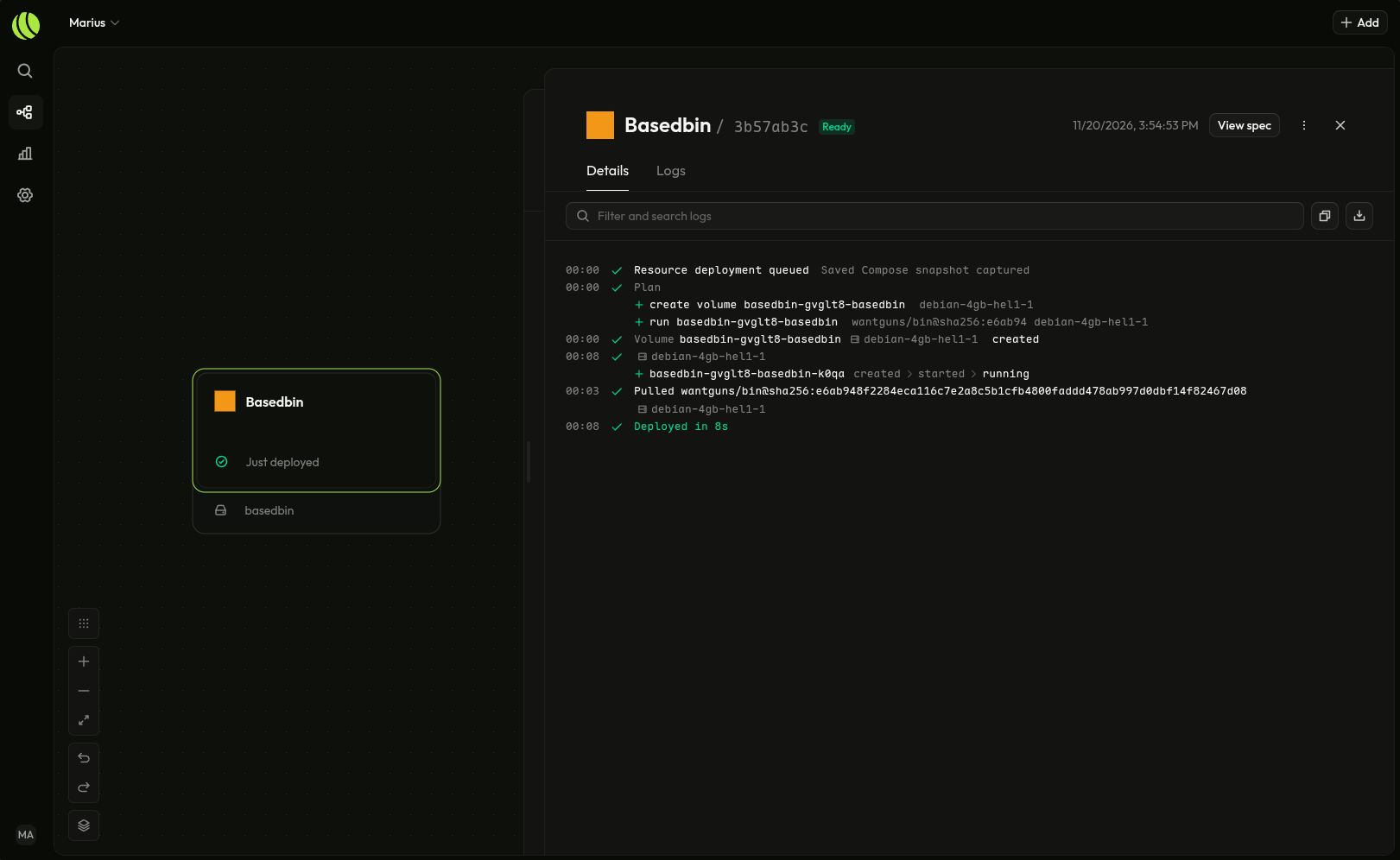
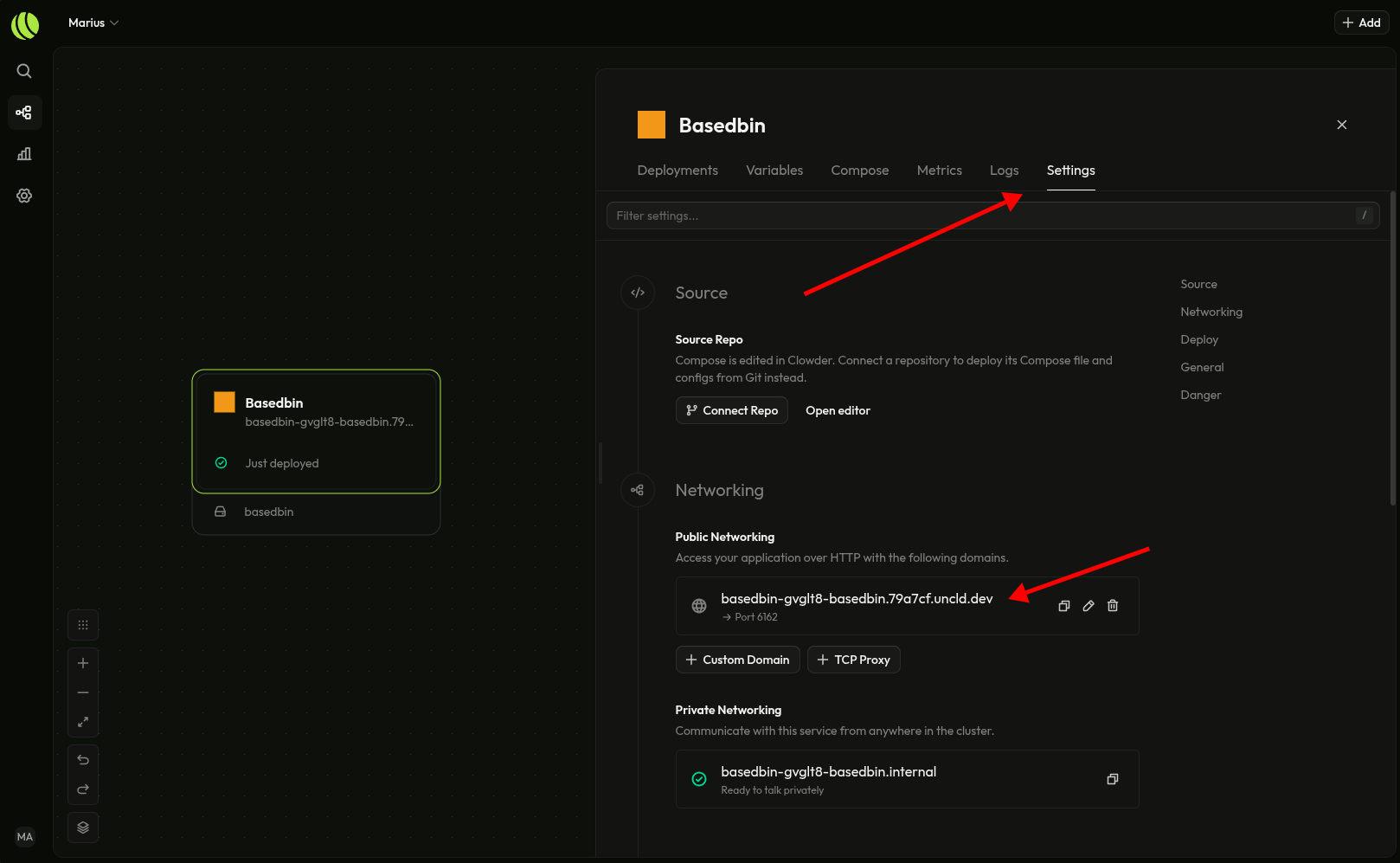
You can find the url to access the template you just deployed from the settings tab